Introduction
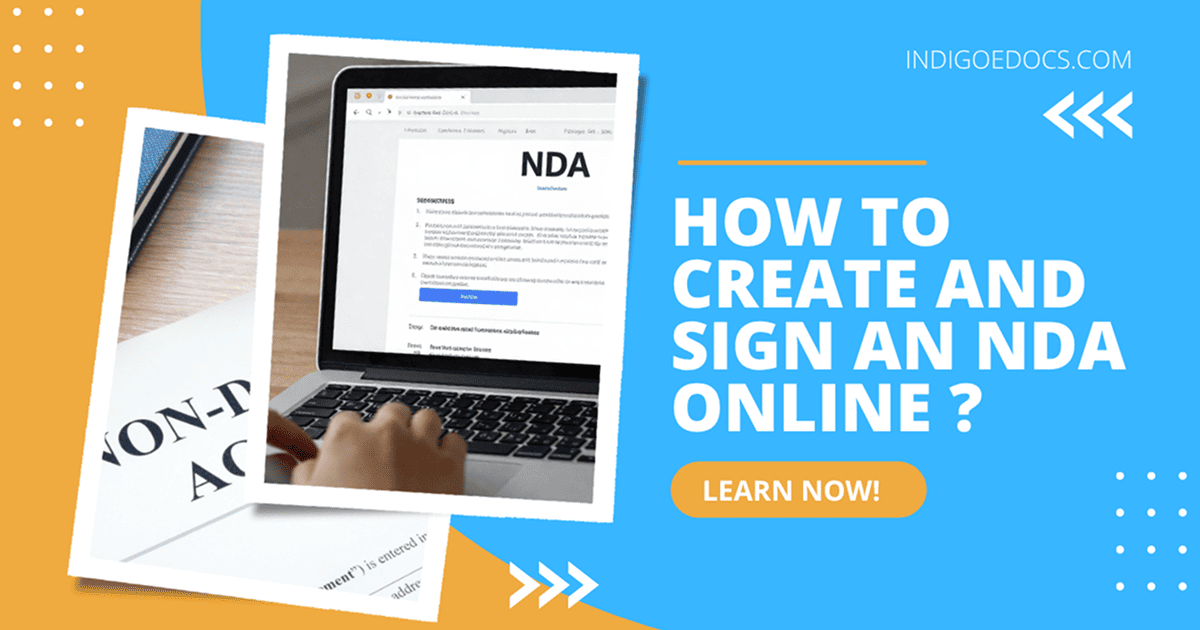
Let’s be honest, most people don’t think about NDAs until they suddenly need one. Maybe you are about to share a business idea. Or you are hiring a freelancer and thinking, “What if they reuse this somewhere else?” That’s usually the moment an NDA comes into the picture. The good part is this. You don’t need paperwork, printing, or long legal processes anymore. You can create and sign an NDA online in just a few minutes, and it is still legally valid.
I’ve seen businesses go from waiting days for legal drafts to finishing everything in under 10 minutes. Once you understand the process, it becomes very straightforward.
What Is an NDA Online?
An NDA, or Non Disclosure Agreement, is simply a contract that protects your confidential information.
An NDA online is the same thing, just handled digitally. You create it, send it, and sign it online without any physical paperwork.
You will usually need it when you are hiring freelancers, discussing partnerships, pitching ideas, or sharing internal business data.
If sensitive information is involved, an NDA is usually a smart move.
Why Use an Online Non Disclosure Agreement?
The biggest advantage is speed, but that is not the only benefit.
When you create an NDA online, the process becomes faster, cleaner, and more reliable. Instead of going back and forth with documents, everything happens in one place.
It also reduces mistakes. Most tools guide you through the process, so you don’t miss important clauses.
And then there is flexibility. You can create, edit, and sign documents from anywhere without depending on physical copies.
One common question people ask is whether online NDAs are valid. The answer is yes. As long as the document is properly structured and signed, it holds legal value.
When Should You Use an NDA?
A lot of people either overuse NDAs or ignore them completely. The key is knowing when they actually matter.
If you are hiring a freelance developer, they will likely see your product idea, workflows, and internal logic. Without an NDA, there is nothing stopping them from reusing that knowledge elsewhere.
If you are pitching a startup idea, you should think about protection before sharing details, not after.
If you are entering a business partnership, you will probably share financial data, strategies, or processes. An NDA helps keep that information protected.
These are practical situations where an NDA is not just helpful, but necessary.
How to Create an NDA Online (Step by Step)
Let’s break this into simple steps you can follow.
Step 1: Choose a Reliable Platform
Start with a tool that simplifies the process instead of complicating it.
You can use: Create NDA with AI
This helps you generate a proper NDA without needing legal expertise.
Step 2: Enter the Key Details
You will need to provide some basic information. This includes the names of both parties, what information needs to stay confidential, how long the agreement should last, and which laws apply.
It may sound technical, but most platforms guide you through each step clearly.
Step 3: Customize the NDA
This is where you should pay attention.
Not all NDAs are the same. A freelancer agreement may need clauses about ownership of work, while a business agreement may require stricter confidentiality terms.
If you want a starting point, you can check this template: Contractor Non Disclosure Agreement
Just make sure you adjust it based on your situation.
Step 4: Review the Document
Before signing, take a few minutes to review your NDA.
You can use: Ai Document Analyzer
This helps you identify missing clauses, unclear wording, or potential risks.
Skipping this step is one of the most common mistakes people make.
Step 5: Sign the NDA Online
Once everything looks good, you can sign the document digitally.
Use: indigoesign
This allows secure signing and easy sharing. No printing or scanning is required.
What Makes a Strong NDA?
A strong NDA is clear and specific.
It should clearly define what counts as confidential information. It should explain what the receiving party is allowed to do and what they are not allowed to do.
It should also include how long the agreement lasts, what information is excluded, and what happens if the agreement is broken.
If these parts are unclear, the NDA becomes weak and harder to enforce.
Types of NDA Online Forms
You do not need to memorize legal terms, but understanding the basics helps.
– A unilateral NDA is used when only one party is sharing information. This is common in employer and freelancer relationships.
– A mutual NDA is used when both parties share confidential information. This is typical in partnerships.
– A multilateral NDA involves more than two parties and is usually used in more complex agreements.
– Most situations only require unilateral or mutual NDAs.
Common Mistakes to Avoid
– Many people make simple mistakes that weaken their NDA.
– Some write agreements that are too vague, which makes them difficult to enforce.
– Others forget to include jurisdiction, which determines which laws apply.
– Many rely on generic templates without customizing them.
– And one of the biggest mistakes is signing without reviewing the document properly.
– Taking a few extra minutes can prevent bigger problems later.
Why Indigo e-Docs Is a Practical Choice
If you are creating NDAs regularly, you want a system that keeps things simple.
Indigo e-Docs allows you to generate documents using AI, access ready templates, review agreements for risks, and connect everything with e-sign tools.
It removes unnecessary steps and keeps the process efficient.
FAQs About NDA Online
A: Yes, as long as it includes all required elements and is properly signed.
A: Yes, electronic signatures are legally accepted in most regions.
A: Usually less than 10 minutes with the right tool.
A: Not always. Standard agreements can be handled with templates and tools, but complex cases may need legal advice.
A: There is no major difference. Both terms are used interchangeably.
Final Thoughts
Creating an NDA online is no longer complicated. It is fast, efficient, and practical for everyday business use.
If you are still relying on manual processes, you are likely wasting time and increasing the chances of errors.
Start with a simple approach. Create your NDA, review it carefully, and sign it digitally.